
Published Dec 05, 2025
Kindly follow the Step-by-Step Guide for IDeAS Registration and Adding Beneficiary:
Step 1: Click HERE to register for IDeAS
Step 2: Click on “Register Online for IDeAS”.
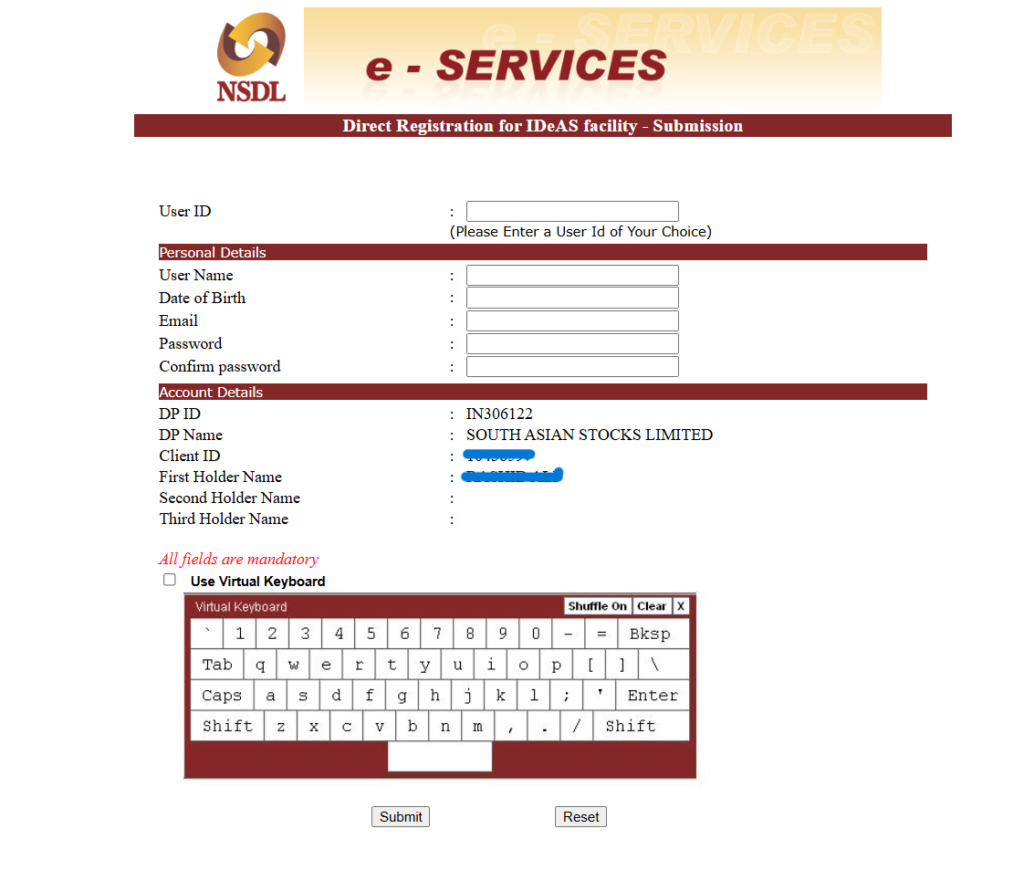
Step 3: Enter the following details: DP ID: IN306122 >> Client ID: Your demat client ID >> Enter the Captcha → Click Submit.

Step 4: After registration, create your User ID and Password to log in to the IDeAS service.
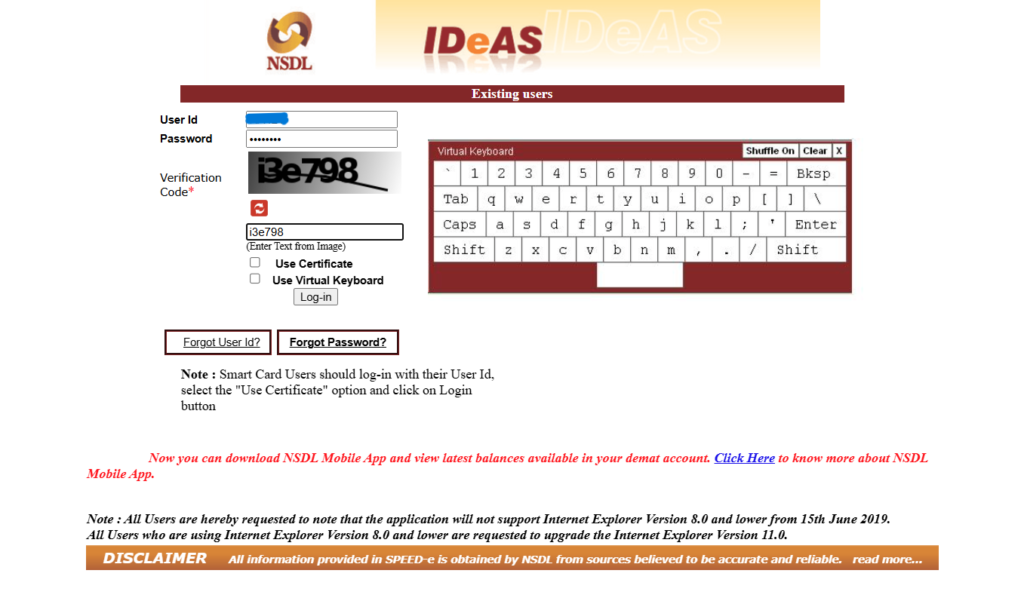
Step 5: Once the User ID and Password are created, log in to the IDeAS service >> Click Login → Beneficial Owner.
Step 6: After logging in, Under Inquiries → Click Add Beneficiary NSDL (if the target DP is NSDL) or Click Add Beneficiary Non-NSDL (if the target DP is CDSL).
Step 7: Enter the following details of the target account → Target DP ID >> Target Client ID >> Target DP PAN Click → Validate → Submit.

Enter the OTP received on your registered mobile number and email ID.
Related Articles
South Asian Stocks Ltd. : NSE Member Code 09073, BSE Member Code 6329, MCX Member Code : 55215 , NCDEX Member Code : 1233 NSDL : IN-DP-474-2020 . SEBI Registration No. INZ000164738
Compliance Officer: NSE,BSE,MCX,NCDEX,NSDL : Mr RK Jain , 011-40409999 support@stocko.in
Registered Office : 3rd Floor, Building No.5, Local Shopping Complex, Rishabh Vihar, Near Karkarduma Metro Station. East Delhi – 110092
For any complaints related to South Asian Stocks Ltd email at complaints@stocko.in
Please ensure you carefully read the risk Disclosure Document.
Procedure to file a complaint on SEBI SCORES: Register on SCORES portal. Mandatory details for filing complaints on SCORES: Name, PAN, Address, Mobile Number, E-mail ID. Benefits: Effective communication, Speedy redressal of the grievances


